
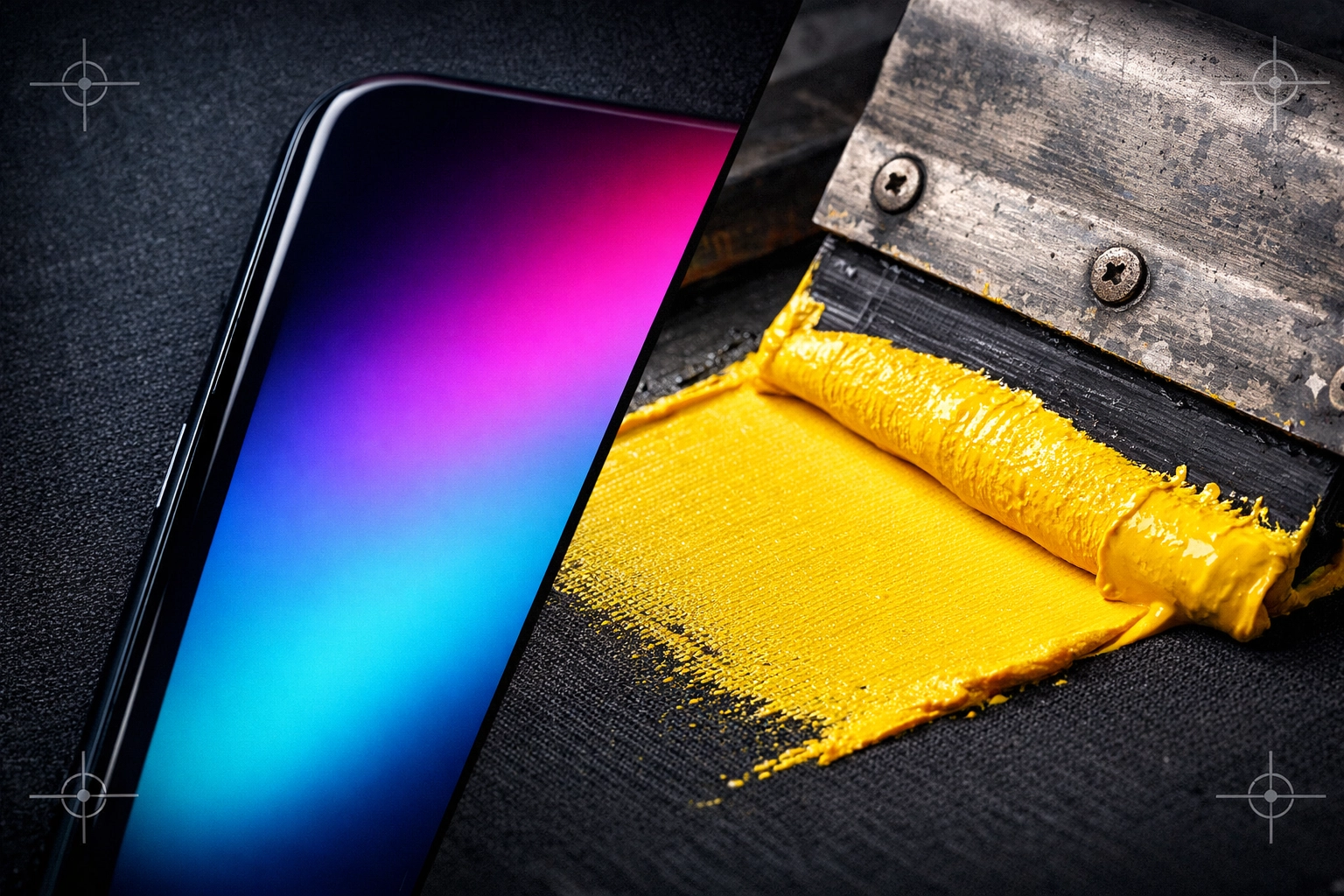
"It looks great on my phone!" | Why your screen logo might not work for screen printing.
![[HERO] It Looks Great on my Phone. Image of graphics and phone.](https://blogger.googleusercontent.com/img/b/R29vZ2xl/AVvXsEhaqGRpt_1f9CSCqLnVSwxOeI4JcfzqPl3qQu1i8d0Uv6qQdV27OuSi2nxtcpsCCLJDwUn1EhwBZaTVtlWSQLhZs0U7W7hzT7jUFo3tE36M2AMkDYhWSTPLToaI5_tXZaAyOhnEB3i4JMvrcasFTVkwd6ll5-1SRWp6pwdbvg8CfEhitu5LrB8Kv6xlwfj3/s1536/5dd3765b-2488-4f9c-84d8-c4993f0d48ec.png)
We’ve all been there. You’ve spent hours perfecting your brand’s logo. You look at it on your smartphone, and it’s crisp, vibrant, and exactly what you envisioned for your business. You send that file over to us at Donsdatter Ink Ltd., excited to see it on a batch of fresh hoodies, only for us to send a polite email back saying: "Hey, this file is a bit low-res for screen printing."
It feels a bit like a punch in the gut, doesn't it? You might be thinking, "It looks great on my phone! What do you mean you can’t use it?"
Trust us, we aren't trying to be difficult. At Donsdatter Ink, our goal is to make sure you look professional. We want your custom apparel to be something you’re proud to wear, not something that looks like a blurry, pixelated mess. To help you understand what happens behind the scenes, we’ve put together this guide to explain why "phone-quality" isn't always "print-quality" and how we can work together to get your files print-ready.
The RGB vs. CMYK Divide: Light vs. Ink
The first hurdle is how we see color. Your phone screen is a backlit device that uses RGB (Red, Green, Blue) light to create images. Because it’s literally shining light into your eyes, colors can appear incredibly bright, neon, or deep.
Printing, however, is a subtractive process. We use CMYK (Cyan, Magenta, Yellow, and Key/Black) inks. We are layering physical ink onto a physical fabric, usually cotton or a poly-blend. Ink doesn't glow. When we translate an RGB file from a phone to a CMYK screen print, some of those "electric" blues or "neon" greens might lose their punch. This is why we focus on a "CMYK vibe" in our shop; it’s the reality of the industrial printing world.
Raster vs. Vector: Why Pixels Don't Stretch
This is the biggest technical hurdle for most micro and small business owners. If you take away only one thing from this post, let it be this: Resolution matters.
What is a Raster file?
Most images you see on your phone or social media are Raster images. Think of JPEGs, PNGs, and GIFs. These files are made up of a fixed grid of colored squares called pixels.
- The Problem: When you look at a small PNG on a small phone screen, the pixels are tightly packed together, so it looks sharp. But when we try to blow that logo up to fit across the chest of a 2XL hoodie, those pixels have to stretch. As they stretch, they pull apart, creating that "stair-step" blurry look known as pixelation.
What is a Vector file?
A Vector file (usually ending in .AI, .EPS, or .PDF) doesn't use pixels. Instead, it uses mathematical paths, lines and curves defined by points.
- The Solution: Because a vector file is based on math, not a grid of squares, you can scale it from the size of a postage stamp to the size of a billboard, and it will stay perfectly sharp. This is what we call "print-ready" art.
If you’re unsure what you have, check out our our services page for more info on how we handle different file types.
The Physical Reality of Screen Printing
Screen printing is an industrial process. It’s messy, it’s tactile, and it involves physics. We aren't just clicking "print" on a desktop printer. We are pushing ink through a fine polyester mesh.
Fine Lines and Tiny Text
On your phone, you can zoom in and see a line that is a fraction of a millimeter wide. In the world of screen printing, if a line is too thin (anything less than 2 points), the ink physically cannot pass through the mesh properly. Or, the "bridge" of the stencil on the screen might break. This results in blurred edges or parts of your logo simply disappearing.
The Color Count Struggle
On a digital screen, you can have a million colors and smooth gradients. In traditional screen printing, every single color requires its own physical screen to be burned, taped, and aligned (registered).
- If your logo has a gradient (fading from Cyan to Yellow), that's very difficult to achieve with solid ink.
- Pro Tip: For small businesses, we usually recommend sticking to 1-3 solid colors. It keeps your screen print pricing down and ensures a much cleaner, bolder look that people can see from across the street.
"But I Don't Have a Vector File!"
Don't panic. Many of our customers are in the same boat. Maybe you hired a designer years ago who disappeared, or you made your logo in a basic phone app. We’re here to help you bridge that gap.
Depending on your project, we have three main ways to get your logo onto apparel:
- Traditional Screen Printing: Best for larger runs (12+ items) with simple, bold designs. This requires a high-quality vector file.
- DTF (Direct to Film): This is a newer technology that is a lifesaver for logos with lots of colors, gradients, or fine details that screen printing can't handle. It’s perfect for smaller businesses who need high detail without the high setup cost of multiple screens.
- Vinyl: Great for simple, one-color designs or individual names and numbers. Think of it like a high-tech "sticker" for clothes that is heat-pressed for a permanent bond.
If your file is low-res, we might suggest moving from screen printing to DTF to preserve those details, or we can discuss graphic cleanup services to turn your pixelated screenshot into a crisp vector.
How to Check Your File at Home
Before you send us your art, try the "300% Test" on your computer:
- Open your logo file on a computer (not a phone).
- Zoom in to 300% or 400%.
- Are the edges blurry or "blocky"? If yes, it’s low-res.
For a file to be truly print-ready for screen printing, it should ideally be 300 DPI (Dots Per Inch) at the actual size you want it printed. A screenshot from an iPhone is typically only 72 DPI, perfect for screens, but not for ink.
Transparency and Trust at Donsdatter Ink
We believe in being 100% honest with our clients. We’d rather tell you upfront that your file won’t print well than take your money and hand you a product we aren't proud of.
A few things to keep in mind regarding our policies:
- All sales are final: Because everything we do is custom-made for you, we cannot offer returns once the ink hits the fabric. This is why getting the artwork right at the start is so critical!
- Shipping costs: These are to be paid by the customer, though we always work to find the most efficient way to get your apparel catalogue picks to your door.
- Approval is Key: We will always send a digital proof before we start. Please look at it on a computer screen, not just your phone, to ensure everything looks exactly as you expect.
We’re Here to Help
Starting a business or ordering merch for the first time can be overwhelming. You don't need to be a graphic design expert to work with us: that's our job! If you’re worried about your logo, or if you’ve been told it's "too low-res" by someone else, contact us. We can take a look and give you a straight answer on whether we can screen print it, or if DTF is a better path for your brand.
Our shop is built on industrial precision and friendly service. Whether it's a batch of Be The Change tees or a custom run for your local shop, we want the final result to be even better than what you saw on your phone.
Ready to see what's possible? Get an estimate today and let's get your brand off the screen and onto the streets!

Comments
Post a Comment